
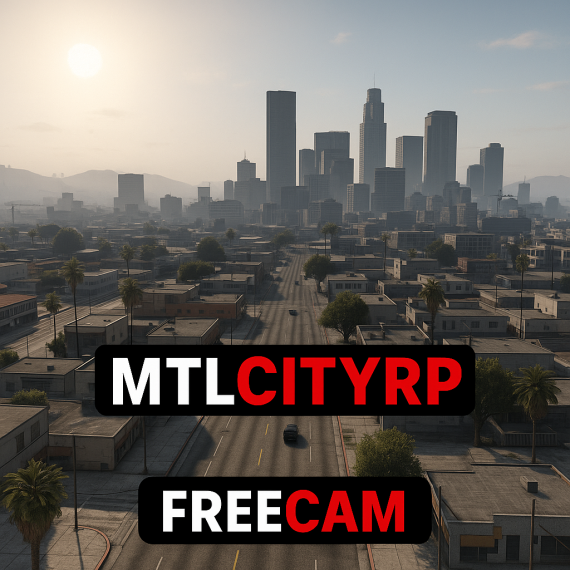
Check out my advanced freecam menu for FiveM – a powerful, fully configurable script that takes your in-game camera experience to the next level! This script offers an array of features that let you customize your freecam experience to suit your style and gameplay needs.
Key Features:
- Configurable Movement Speeds: Choose from slow (0.5), normal (1.0), or fast (2.0) speed presets, with normal speed set as default.
- Easy Keybinds: Toggle the NUI menu with F6 and use custom keybinds for vertical movement (default Q for up and E for down).
- Player Restrictions: Control who can access the freecam by restricting it to specific groups or players using identifier-based checks (e.g., Steam IDs).
- Customizable UI: Adjust the menu’s look and feel with configurable options including a black background with purple accents, white text, and an optional header image.
- Minimap Toggle Option: Enhance your user experience with a minimap toggle feature.
In the script’s config file, you’ll find all the settings you need to fine-tune your freecam experience, including key bindings, movement speeds, UI color schemes, and permission lists. Whether you're streaming, capturing cinematic moments, or just exploring the game world from new angles, this advanced freecam menu has you covered.
Don’t forget to like, subscribe, and comment if you have any questions or suggestions for future updates!